For academics
Your lecture lives on after the recording.
Turn a lecture or seminar recording into a summary, chapters and a PDF, and share it with a link.
How people use it
Three familiar moments.
Record the lecture, get the summary
Record the lecture in your browser or upload the recording. The summary, key points, chapters and transcript are created automatically.
- Record in the browser or upload files up to 5 GB
- Transcript split by speaker
Share with a link
Share a recording or an entire folder with a link, and turn sharing off whenever you want.
- Recording and folder sharing
- Turn off sharing any time
Study guide (PDF)
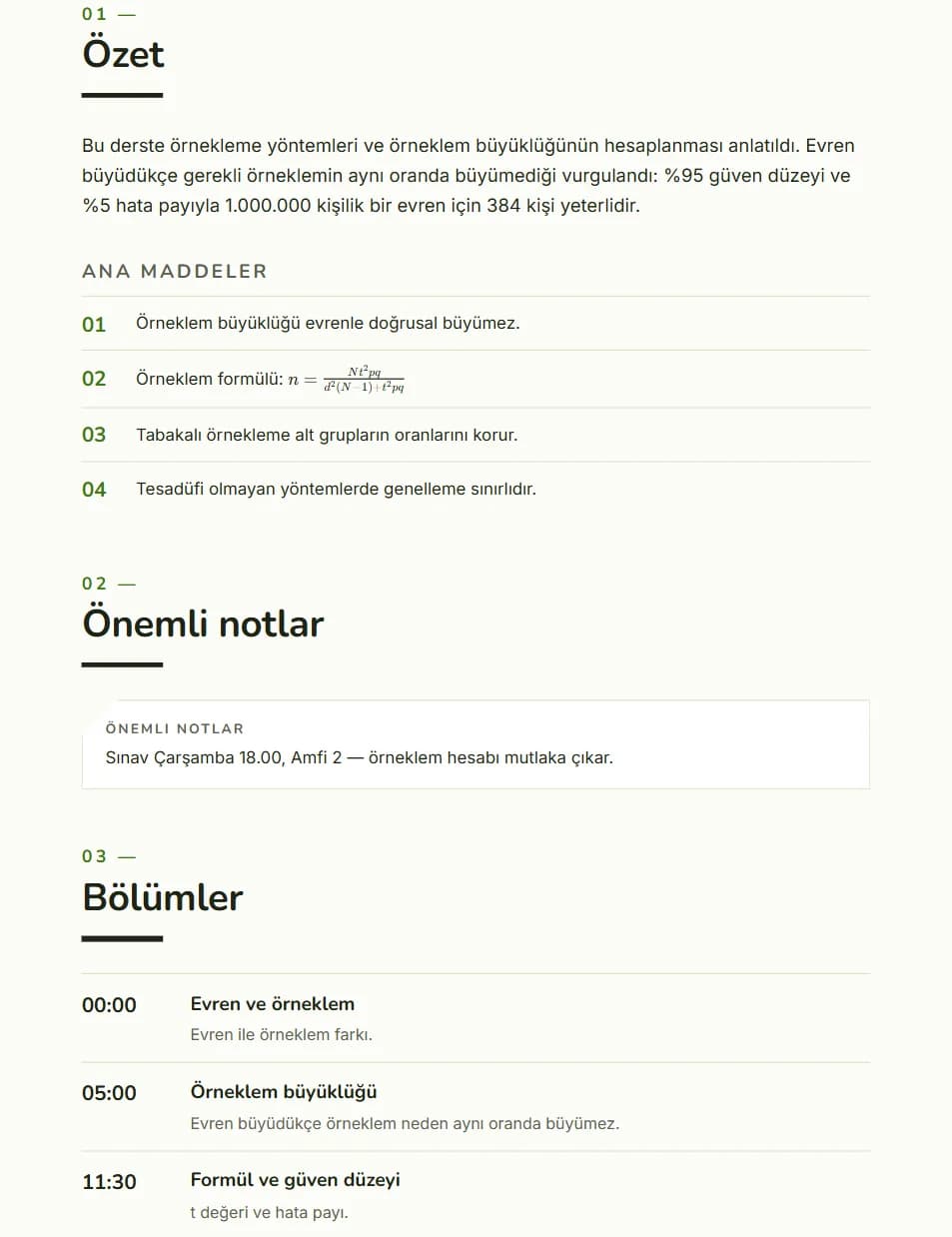
Create a PDF study guide with a cover, table of contents, formulas and images, and put it next to your course materials.
- Cover, table of contents, page numbers
- On Pro and Business plans
Inside the app
A real screen.
A page from the PDF study guide.
Related products
Same account.
Upload your next lecture recording to Kivilio Voice.
Kivilio Voice starts on the Free plan. No card required.