For teams
From meeting to decisions.
Upload the meeting and get who said what, which decisions were made and who took on what, each listed separately.
How people use it
Three familiar moments.
Who said what
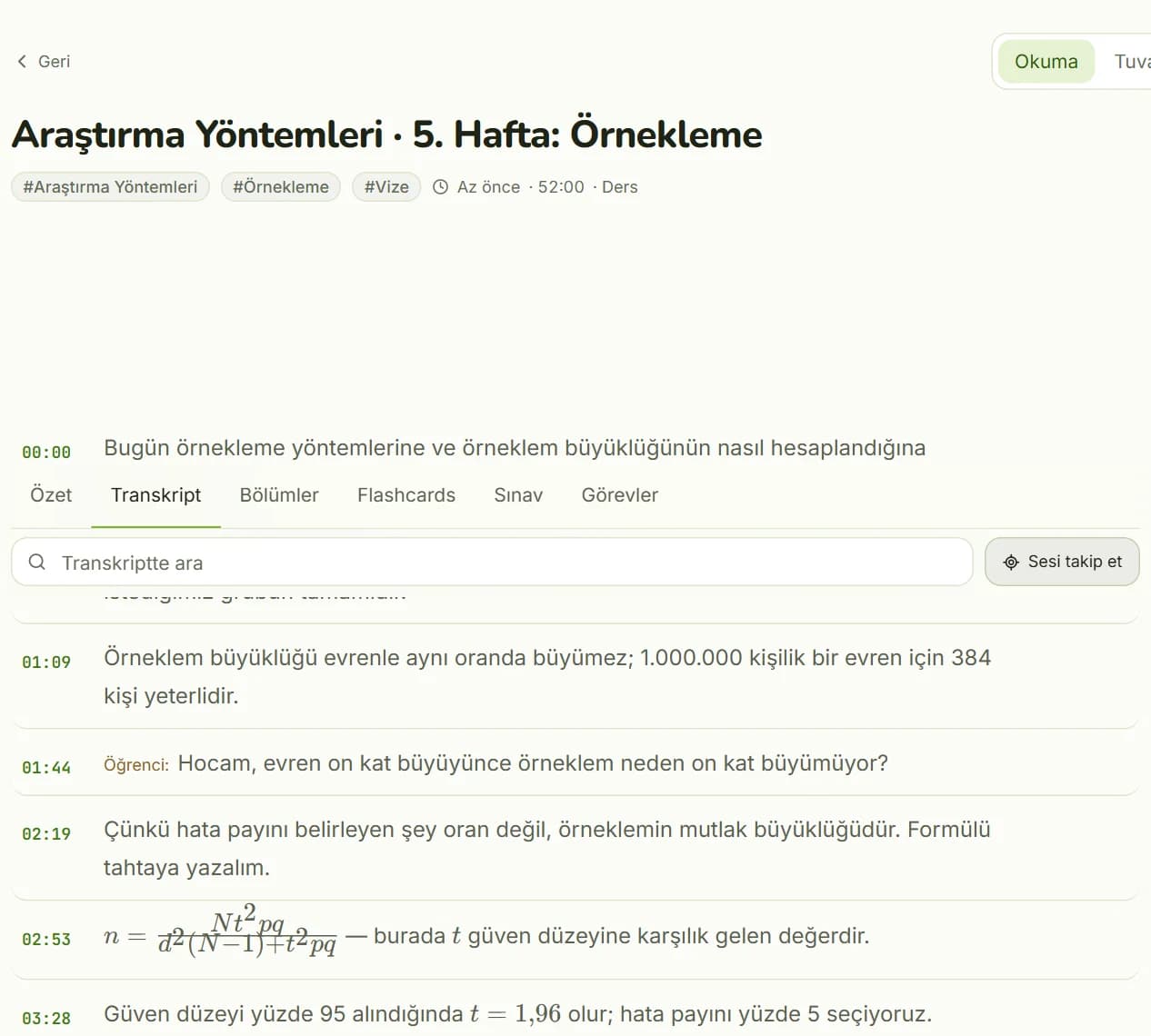
The whole meeting is transcribed with timestamps and split by speaker. Find the part under discussion and listen to that moment.
- Transcript by speaker
- Click a sentence to listen from that second
Decisions and tasks
Decisions and who took on what are listed separately. Ask the recording a question; the answer is based on what was said in the meeting.
- Decisions and a task list
- AI chat
Organize, share, search
Keep meetings in folders and share a folder with your team through a link. Search across all your recordings.
- Folder and link sharing
- Content search, including transcripts
Inside the app
A real screen.
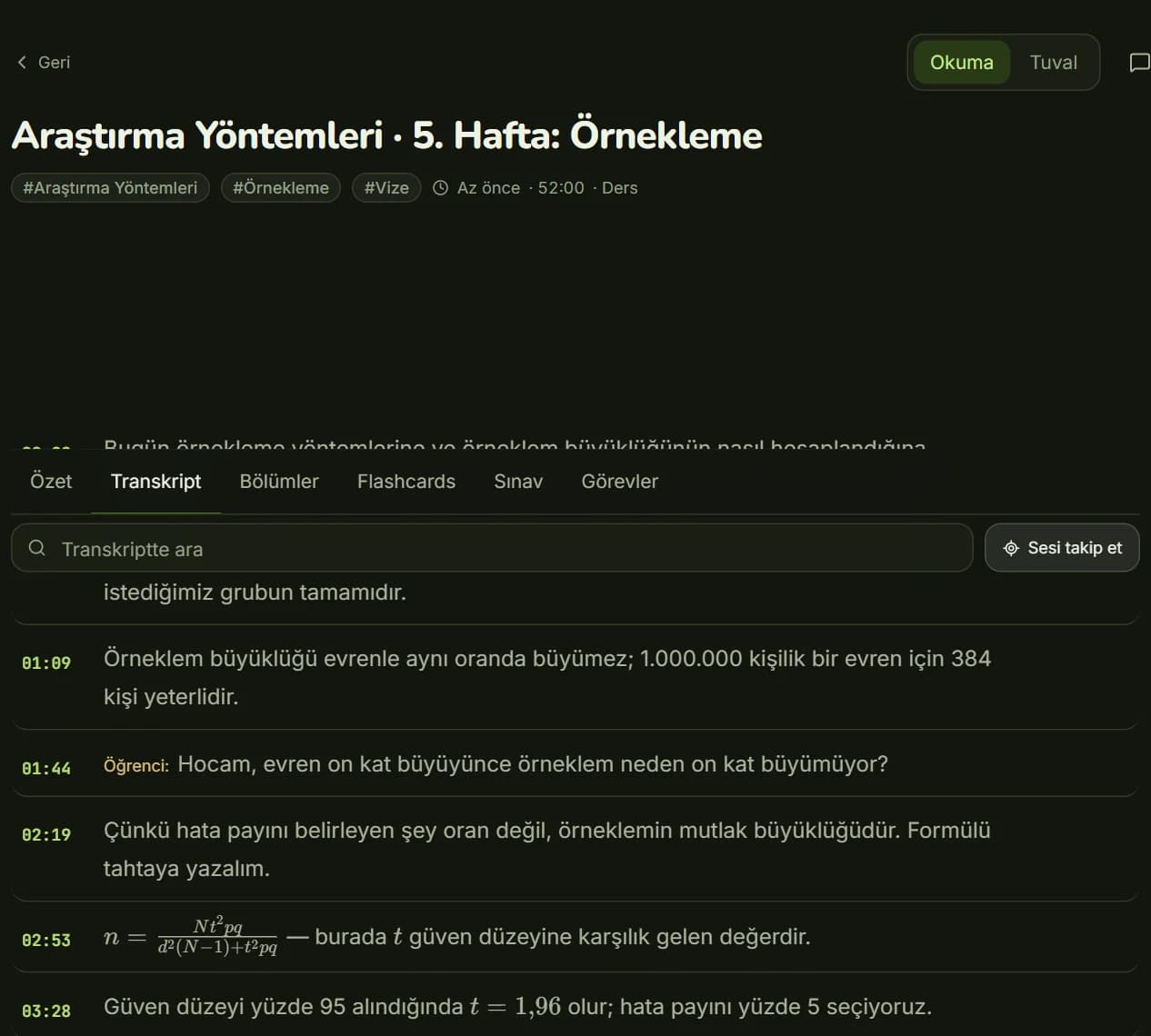
Transcript: split by speaker, with timestamps.
Related products
Same account.
Upload your next meeting recording to Kivilio Voice.
Kivilio Voice starts on the Free plan. No card required.