How to turn lecture recordings into study notes with AI
A practical workflow for students: record lectures well, choose a transcription method, then turn the transcript into notes, quizzes and flashcards.
To turn a lecture recording into study notes, work in four steps: get permission and record clean audio, transcribe it (by hand, with a free tool or with AI), cut the transcript into sections with short summaries and key terms, then turn those notes into questions you can practice with. If your phone is full of 75-minute recordings you meant to "listen to later," this guide shows you how to clear that backlog in a way that actually helps on exam day. The steps work whichever tool you use.
Is it OK to record your lectures?
It depends on your university and your instructor. Some schools have a written lecture capture or recording policy; others leave it to each instructor. Before you hit record:
- Ask your instructor. A quick email before the first class works: "Would it be OK if I audio-recorded lectures for my own review?" Make it clear the recording is for personal study only.
- Check the syllabus and student handbook. Recording rules often sit next to the academic integrity or classroom conduct sections.
- Talk to your accessibility or disability services office if note-taking is hard for you. Recording lectures is a common accommodation, and having it formally approved removes any ambiguity.
- Don't share the recording. Even with permission, don't post it to a group chat, social media or a note-sharing site. Classmates who ask questions are on the recording too.
This isn't legal advice. When in doubt, the people who set the rules, your instructor and your school, are the ones to ask.
How do you set up a recording that's easy to transcribe?
No transcription method can fix audio where the instructor is a faint voice behind a rustling backpack. Most of the quality is decided in the two minutes before class starts.
- Sit near the front. The first few rows, or a side seat near the lectern, beat the back of a lecture hall by a wide margin. If the instructor uses a mic, a seat near a speaker works too.
- Put your phone on the desk, not in your bag. Point the microphone toward the instructor and away from your keyboard. Typing and pen tapping are louder on a recording than they seem in the room.
- Turn on airplane mode or Do Not Disturb. An incoming call can interrupt the recording, and vibration noise gets picked up.
- Check battery and storage. A long lecture at high quality can take a few hundred megabytes. Plug in or free up space before you need it.
- Say the course and date at the start. "PSYCH 101, week 3, November 12" takes three seconds and saves you from guessing later. Name the file the same way:
psych101-w03-2026-11-12.
Tip
Which transcription method should you use?
There are three realistic options. They differ mainly in how much of your time they take and how much cleanup the result needs.
Transcribing by hand
You play the recording, pause, and type. The upside is that you process the material as you go, and the parts you don't understand surface quickly. The downside is time: transcribing an hour of lecture word for word can take several hours. Use it selectively, for the hardest 10 to 15 minutes of a lecture rather than the whole thing.
A faster variant: play at 1.25x, pause at each idea, and write the idea instead of the sentence. "If demand shifts right, equilibrium price rises" is more useful than a verbatim paragraph.
Free built-in tools
Phones, operating systems and some word processors include dictation or speech-to-text features. They're fine for short, clear recordings. Expect limits: long files may need to be split, punctuation and paragraphs are often missing, and technical vocabulary ("heteroskedasticity," "mitochondrial DNA") gets mangled. Budget time to read through and correct the output.
AI transcription
AI tools transcribe the full recording, and many add timestamps and a summary. Timestamps matter more than they seem: when a sentence in the transcript makes no sense, you can jump to that minute and hear what the instructor actually said.
Kivilio Voice is one example of this option. Give it a lecture recording or a YouTube video and it produces a timestamped transcript, a summary and chapters; processing runs in the background, so you don't need to keep the tab open. Files sent to Google (Gemini API) for analysis are deleted once the job finishes, and your data isn't sold or used for advertising.
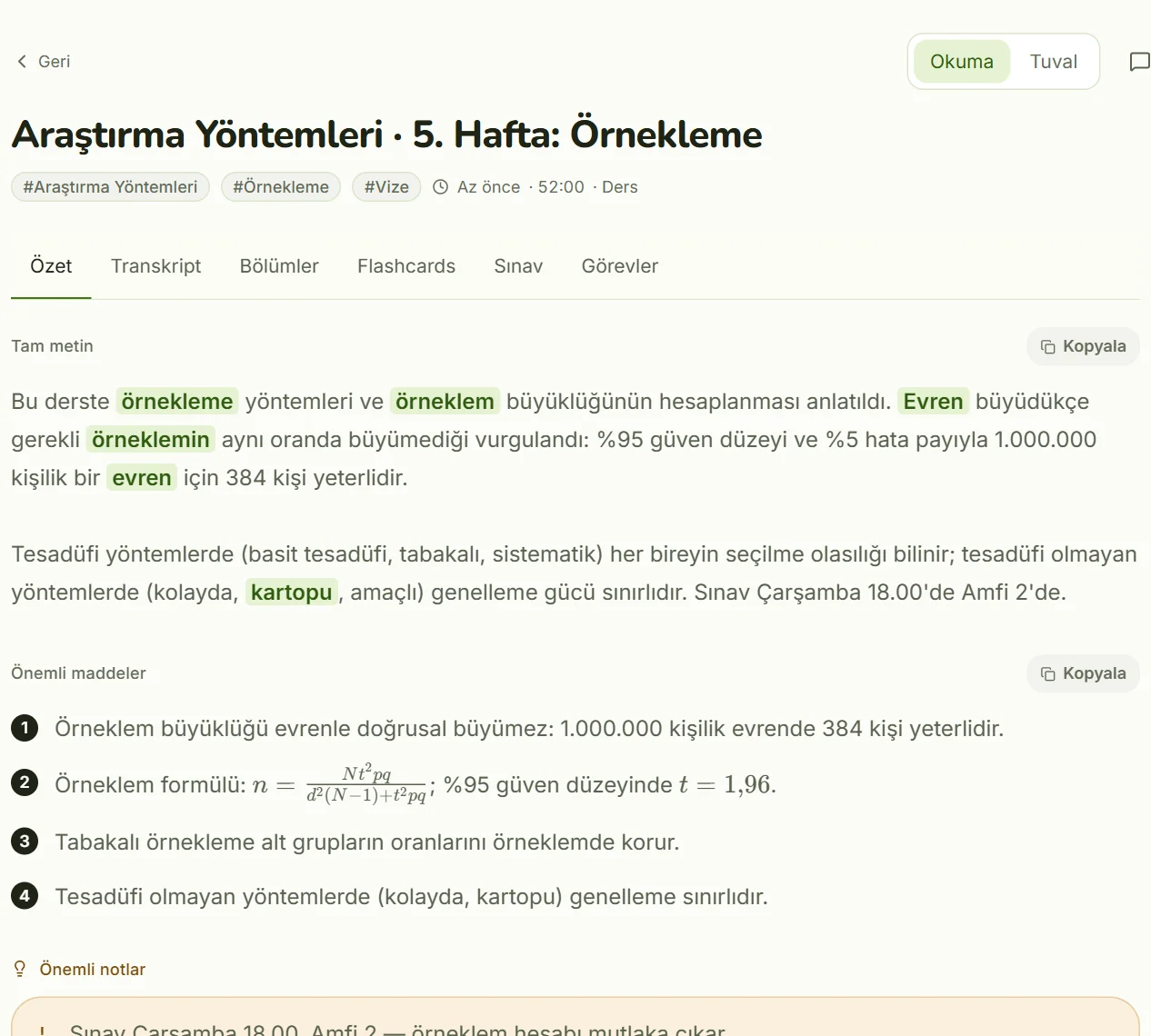
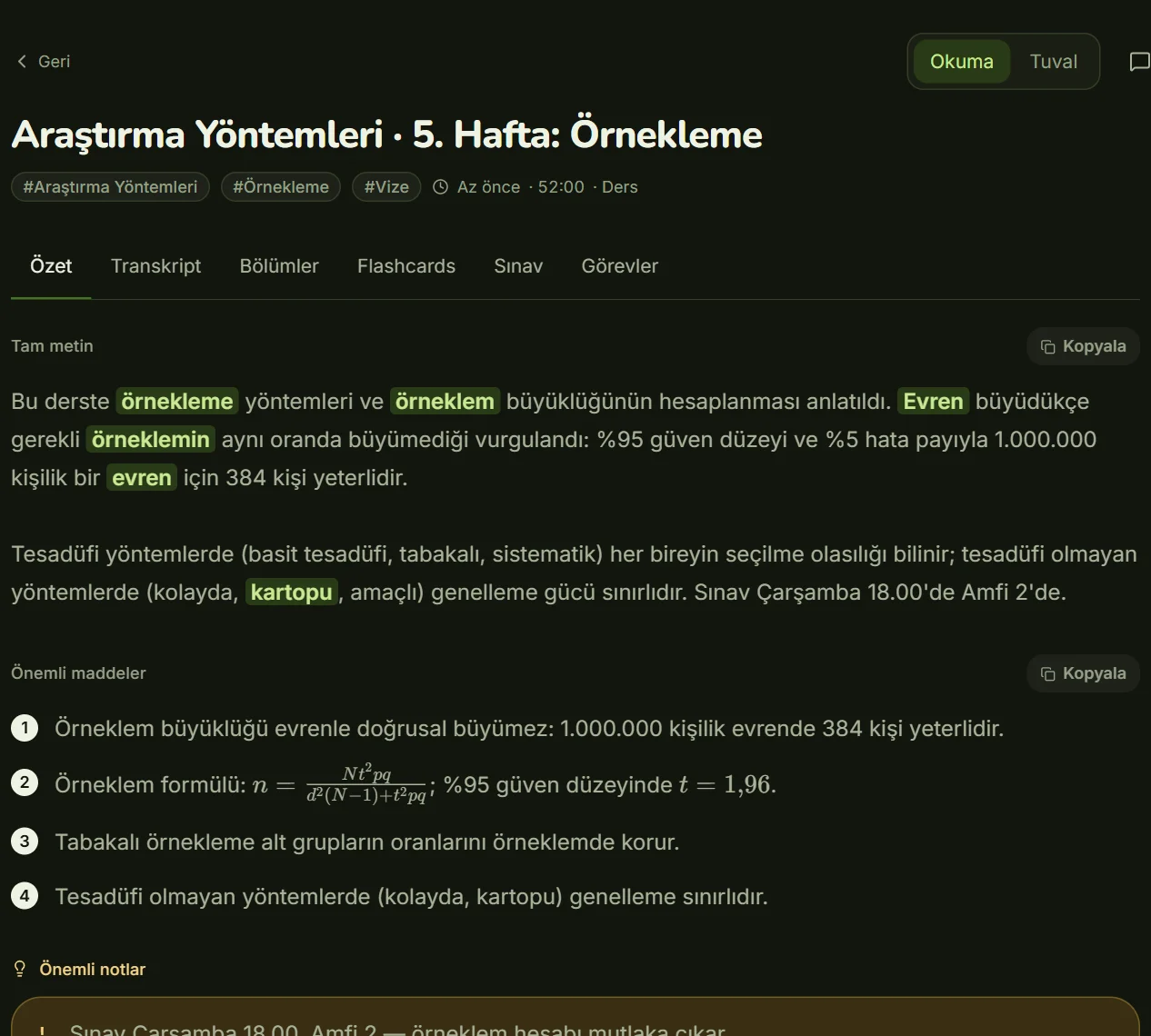
Whatever you pick, ask three questions first: Where does my recording go, and when is it deleted? Does the transcript have timestamps? Can I fix terms it gets wrong?
How do you turn a transcript into notes that help recall?
A transcript isn't a set of notes. A 75-minute lecture can easily run past 9,000 words, full of repetition, asides and "hang on, the slides froze." Good notes are the distilled version. Try this sequence:
- Split it into sections. Find where the instructor changes topic and give each part a heading. Most lectures break into four to seven main sections. Phrase headings as questions: instead of "Elasticity," write "Why does a 10% price increase cut demand a lot for some products and barely at all for others?"
- Write a two- or three-sentence summary for each section. Use your own words. Copying from the transcript makes it easy to skip past things you don't understand.
- Pull out key terms. One-line definition plus the instructor's example for each. The example is usually what you remember in the exam.
- Flag the "this will be on the test" moments. Note the timestamp whenever the instructor says something is important or was on last year's midterm.
- List your gaps. Write down what you didn't follow as questions to bring to office hours or the next class.
This structure is close to the Cornell note-taking system, developed by Walter Pauk at Cornell University: notes in one column, cue questions beside them, a short summary at the bottom. It works the same in a notebook or a doc.
Here's what one section from an intro economics lecture might look like:
- Cue question: When is demand elastic?
- Summary: Demand is elastic when quantity demanded changes proportionally more than price. Goods with many substitutes tend to be more elastic.
- Key term: Price elasticity = % change in quantity demanded / % change in price.
- Instructor's example: If one coffee chain raises prices, people walk to the next one; if gas prices rise, most people still fill up.
- Exam flag: 41:20, "I'll ask you to interpret this, not just calculate it."
How do you turn notes into practice questions and flashcards?
Rereading notes makes material feel familiar, but familiarity isn't the same as being able to recall it. A large review of learning techniques published by the Association for Psychological Science rated practice testing and distributed practice (spreading study over time) as the most useful strategies, while rereading, highlighting and summarizing scored low (APS, "Which study strategies make the grade?"). Your notes become study material once they turn into questions.
Convert each lecture into three kinds of practice:
- Open questions. Turn every section heading into a question and answer it from memory before checking. "What determines price elasticity?" is a good one.
- Flashcards. A term or question on the front, a short answer on the back. One fact per card: "the elasticity formula" and "three things that affect elasticity" belong on separate cards.
- Multiple-choice quizzes. Make the wrong answers plausible. Concepts students commonly mix up make the best distractors.
Review new cards the same day, again after about three days, then after a week. Cards you miss should come back sooner. For a week-by-week plan built around retrieval and spacing, see our guide to active recall from your own lectures.
You can speed this step up too. From the same recording, Voice also generates flashcards, a 12-question multiple-choice quiz, a timed exam, a mind map and a PDF study guide. Don't memorize AI-written questions blindly: if a question contradicts your notes, go back to the recording and check what the instructor said. You can see how it works on the Kivilio Voice page.
FAQ
How long does it take to turn a lecture recording into notes?
By hand, transcription alone takes several times the length of the recording. With an automatic tool the transcript is ready quickly, and your time goes into sectioning, summarizing and writing questions. Aim for 20 to 30 minutes of editing per lecture.
Can I just study from the transcript?
Not effectively. A raw transcript is the lecture in text form; reading it without headings, summaries and questions isn't much different from listening again. The five steps above are what make it memorable.
What if the recording quality is bad?
Mark the unclear parts, relisten to those minutes, and fill gaps from the slides or a classmate's notes. Next time, change your seat or where you place your phone.
Does this work for recorded online lectures and YouTube videos?
Yes. Video lectures are transcribed the same way, and the same steps apply. If the video already has chapter markers, use them as a starting point for your sections.
Can I share my lecture recordings with classmates?
Not without clear permission from your instructor and your school. The recording contains your instructor's voice and other students' voices, and most universities expect recordings to be used for personal study only.
Kivilio newsletter
New articles, product news and short tips.